About ToolNTip JSON Formatter
ToolNTip JSON Formatter is a free online developer tool for formatting, beautifying, validating and minifying JSON data directly in your web browser. It is designed for developers, API users, system administrators, students and technical professionals who need a fast and reliable way to inspect and clean JSON without installing additional software.
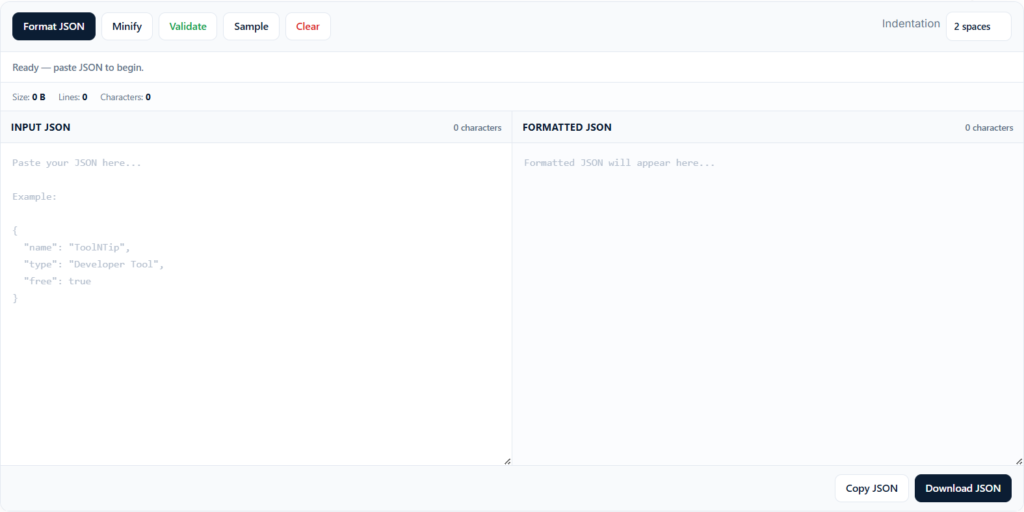
The tool lets you paste raw or compact JSON, choose your preferred indentation, and instantly produce clean, readable output. You can also validate JSON syntax, identify errors, minify valid JSON for compact use, copy formatted results to the clipboard, or download the output as a .json file.
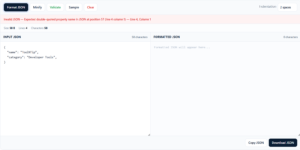
Unlike a basic JSON beautifier, the ToolNTip JSON Formatter also provides useful feedback such as input size, line count, character count and validation status. When invalid JSON is detected, the tool attempts to identify the error position and report the corresponding line and column, helping you troubleshoot malformed JSON faster.
Format and Beautify JSON
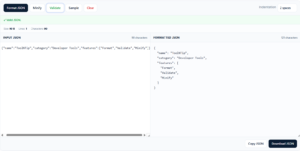
Use the JSON Formatter to convert compact or difficult-to-read JSON into a structured, indented format.
You can choose:
- 1 space
- 2 spaces
- 4 spaces
- Tab indentation
This makes nested objects and arrays easier to read, review and debug.
Validate JSON Syntax
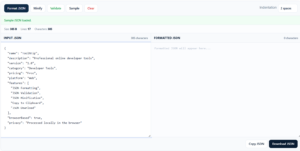
The built-in JSON validator checks whether the supplied data is valid JSON before formatting or minifying it.
If an error is found, ToolNTip displays a clear validation message and, where available, reports the line and column associated with the parsing error. This is especially useful when working with API payloads, configuration files, exported data or application logs.
Minify JSON
The JSON Minifier removes unnecessary formatting whitespace and produces a compact JSON representation.
This is useful when preparing JSON for:
- API requests
- test payloads
- application configuration
- compact storage
- data transfer
- development and debugging workflows
JSON Statistics
ToolNTip JSON Formatter displays lightweight statistics about your input, including:
- file size
- number of lines
- number of characters
- input character count
- output character count
These statistics provide useful context when working with larger JSON documents.
Copy and Download JSON
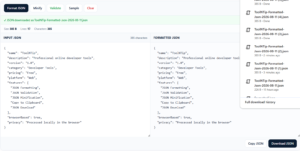
After formatting or minifying JSON, you can copy the result directly to your clipboard or download it as a JSON file.
Downloaded files use a ToolNTip naming convention and are generated directly in the browser.
Local Browser Processing
The ToolNTip JSON Formatter is designed to process JSON directly in the browser.
Your JSON does not need to be sent to an external processing API for formatting, minification or validation. This provides a faster workflow and helps reduce unnecessary data transmission for ordinary JSON processing tasks.
The current ToolNTip sample data explicitly identifies the tool as browser-based and locally processed.
Who Is This JSON Formatter For?
The tool is useful for:
- software developers
- web developers
- API developers
- DevOps engineers
- system administrators
- database professionals
- QA testers
- students
- technical support teams
- anyone working with JSON data
Common JSON Formatter Use Cases
You can use the ToolNTip JSON Formatter to:
- beautify minified JSON
- validate API responses
- inspect REST API payloads
- format configuration data
- debug malformed JSON
- minify valid JSON
- review nested objects and arrays
- prepare JSON for testing
- copy formatted JSON into code or documentation
- download cleaned JSON files
Why Use ToolNTip JSON Formatter?
ToolNTip combines the most useful JSON workflow functions in one focused browser tool:
- JSON formatting
- JSON beautification
- JSON validation
- JSON minification
- selectable indentation
- error line and column reporting
- sample JSON
- JSON statistics
- copy to clipboard
- JSON download
- keyboard shortcuts
- responsive interface
- local browser processing
The goal is simple: paste your JSON, validate it, format or minify it, and use the result immediately.












Write a Review
You must be logged in to post a comment.