

Visual Studio Code
Code editing redefined with AI, built-in Git, debugging, and extensions
- IntelliSense Code Completion
- Integrated Git and Source Control
- Built-in Debugging
A free, open-source code editor with AI assistance, built-in Git, debugging, extensions, and support for Windows, macOS, Linux, and the web.
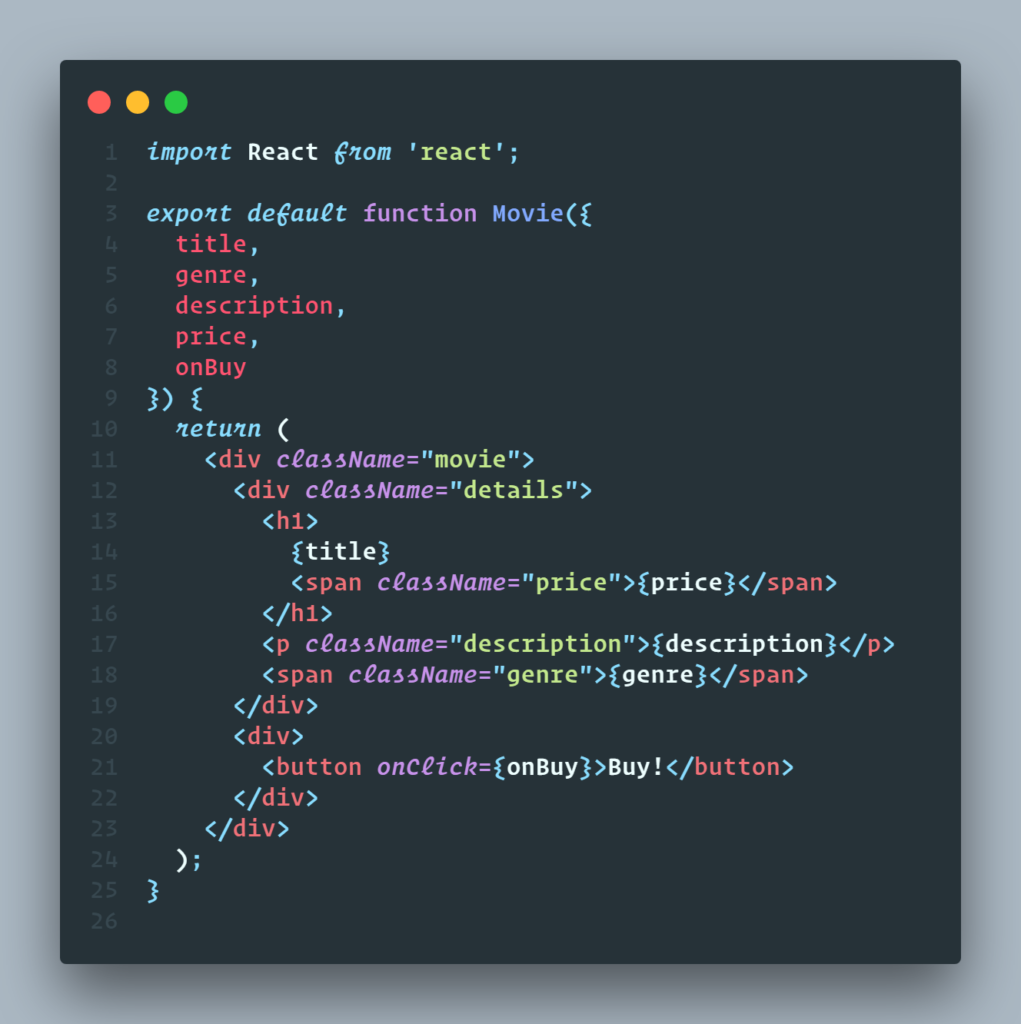
A modern identity governance platform for managing users, access, approvals, lifecycle controls, and enterprise identity operations.
About This Tool
Visual Studio Code is a free, open-source code editor for Windows, macOS, and Linux. It combines a powerful source-code editor with IntelliSense, debugging, testing, integrated source control, extensions, and AI-assisted development capabilities.
Key Features
- IntelliSense Code Completion
- Integrated Git and Source Control
- Built-in Debugging
- Integrated Terminal
- Extension Marketplace
- Code Navigation and Refactoring
- Multi-language Support
- Testing Tools
- Customizable Interface
- AI-assisted Development
Pros & Cons
Pros
- Free for individual use
- Supports Windows, macOS, and Linux
- Extensive extension ecosystem
- Built-in Git integration
- Powerful debugging and development tools
- Supports hundreds of programming languages
- Highly customizable
- trong AI-assisted development capabilities
Cons
- Can consume significant resources with many extensions
- Large extension ecosystem can require configuration
- Some advanced AI capabilities depend on additional services or plans
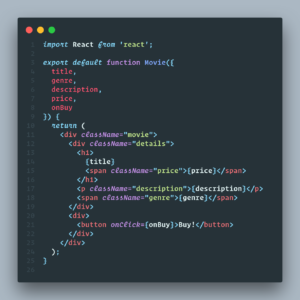
Screenshots
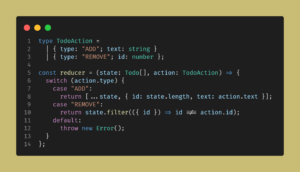
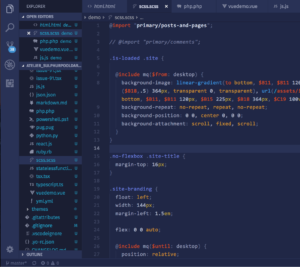
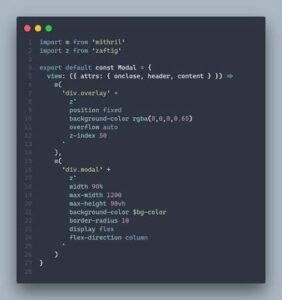
Video Overview
Community Reviews
Ratings and reviews from ToolNTip users.
Write a Review
You must be logged in to post a comment.