
Labs
Featured

Plan VLANs, subnets, gateways and DHCP scopes from your network requirements.
Free
Web
Networking Tools
- VLAN Planning
- IP Address Planning
- Subnet Planning
Encode and decode Base64 text instantly in your browser
Free
Web
Developer Tools
- Encode Text
- Decode Base64
- UTF-8 Support

Format, validate, beautify and minify JSON online
Free
Web
Developer Tools
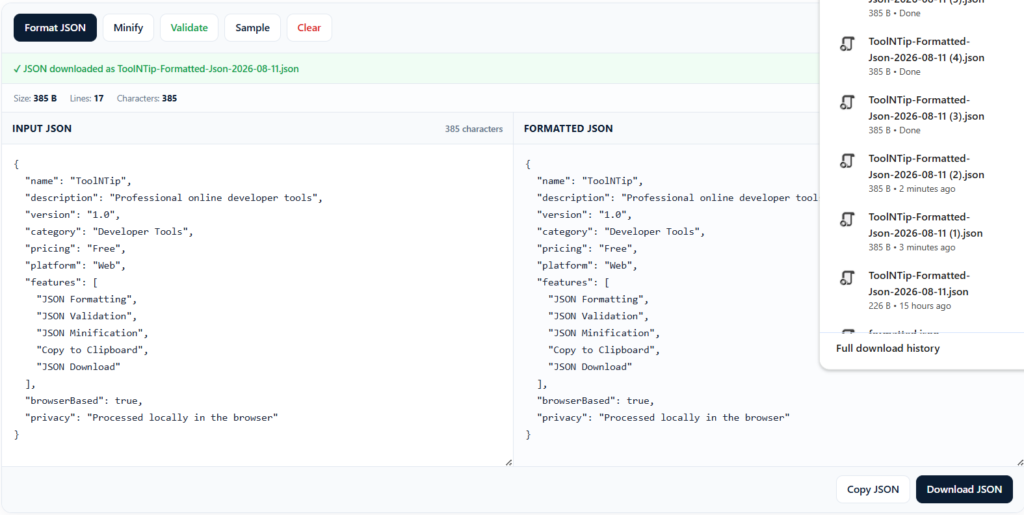
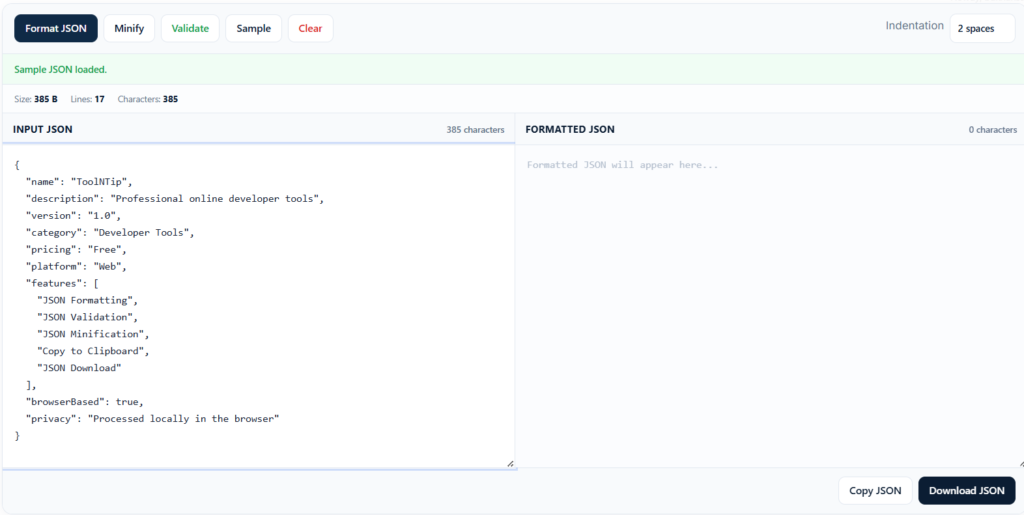
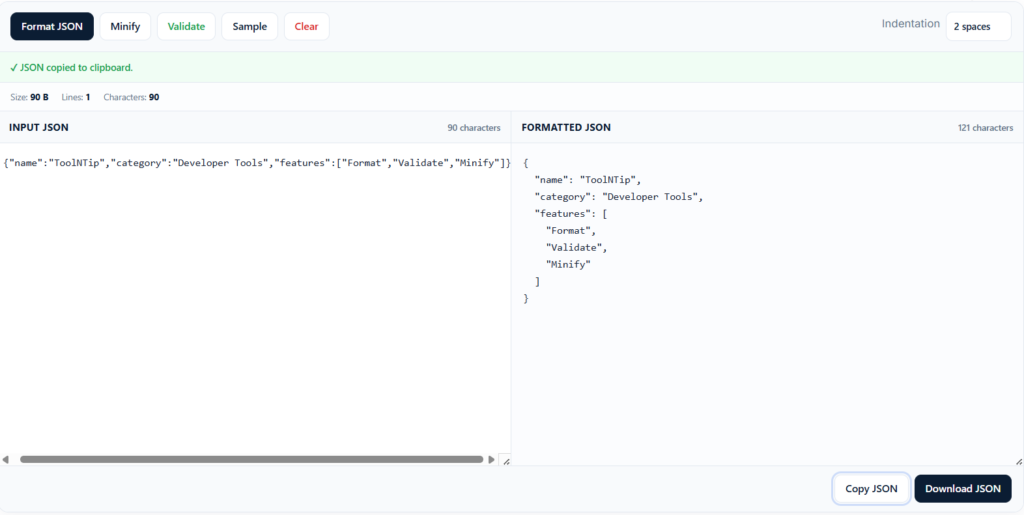
- Beautify JSON
- Validate JSON
- Minify JSON
Internal Tool Top
JSON Formatter Online – Beautify, Validate & Minify JSON | ToolNTip
Format, validate, beautify and minify JSON online
Internal Tool Bottom
TEST LEADERBOARD AD
970 × 90 — Before Tool Grid
970 × 90 — Before Tool Grid
Features
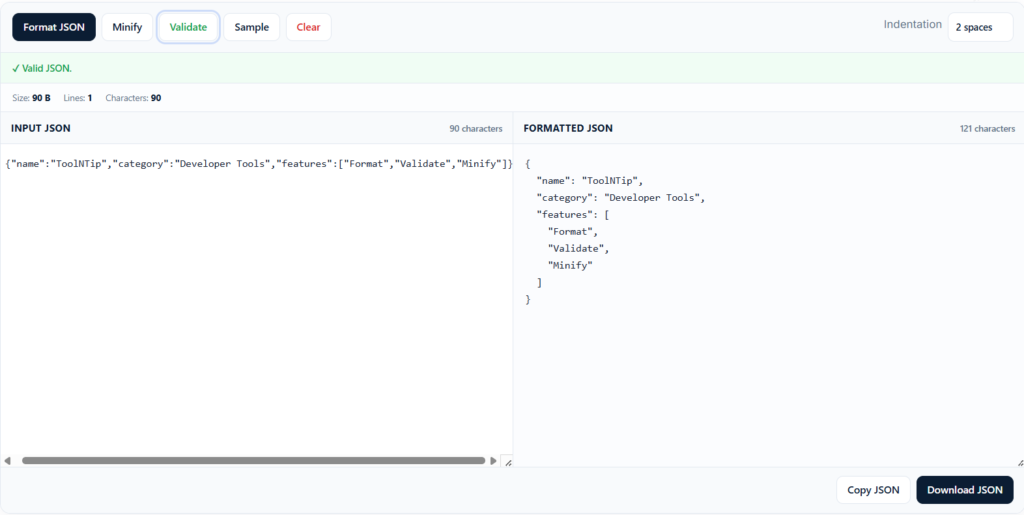
- Beautify JSON
- Validate JSON
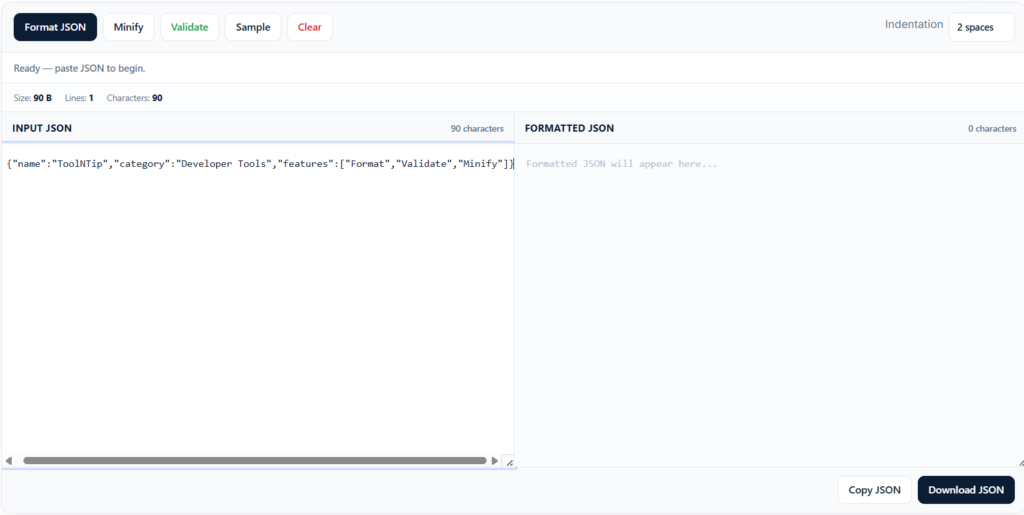
- Minify JSON
- Copy to Clipboard
- Download JSON
- Syntax Highlighting
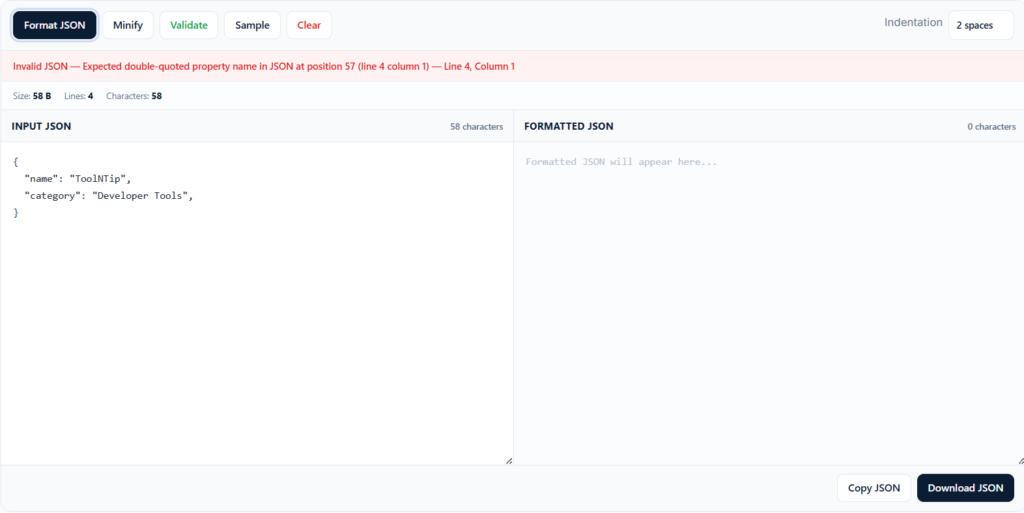
- JSON Error Detection
- Privacy Focused
- Works in Your Browser
Pros & Cons
Pros
- Fast browser-based JSON processing
- No registration required
- Easy JSON validation and formatting
- Copy and download formatted JSON
- Designed for developers and technical users
Cons
- Does not replace a full development environment
- Very large JSON documents may require more browser memory
- Advanced JSON transformation features are not included in the initial version
Screenshots

Frequently Asked Questions
What is a JSON Formatter?
A JSON Formatter is an online tool that converts compact or difficult-to-read JSON into a structured, readable format with indentation and syntax highlighting.
Can I validate JSON with ToolNTip?
Yes. ToolNTip's JSON Formatter checks the JSON syntax and identifies formatting errors so you can quickly locate and correct invalid JSON.
Is my JSON uploaded to a server?
The ToolNTip JSON Formatter is designed to process JSON directly in your browser. This allows you to format and validate JSON without unnecessarily sending your data to a remote server.
Can I minify JSON?
Yes. The tool can remove unnecessary whitespace and line breaks to produce compact JSON suitable for APIs, configuration files and data transfer.
Can I download formatted JSON?
Yes. After formatting your JSON, you can download the result as a .json file.
Application Shell
JSON Formatter Online – Beautify, Validate & Minify JSON | ToolNTip
Format, validate, beautify and minify JSON online
Input JSON
Output JSON
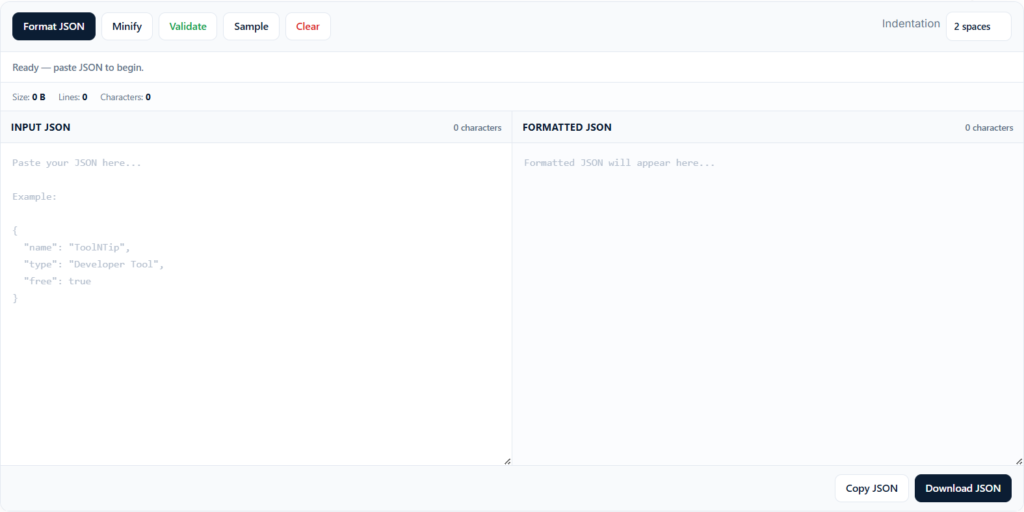
Ready
TEST LEADERBOARD AD
970 × 90 — Before Tool Grid
970 × 90 — Before Tool Grid
Application Support
Key Capabilities
- Beautify JSON
- Validate JSON
- Minify JSON
- Copy to Clipboard
- Download JSON
- Syntax Highlighting
- JSON Error Detection
- Privacy Focused
- Works in Your Browser
Application FAQ
What is a JSON Formatter?
A JSON Formatter is an online tool that converts compact or difficult-to-read JSON into a structured, readable format with indentation and syntax highlighting.
Can I validate JSON with ToolNTip?
Yes. ToolNTip's JSON Formatter checks the JSON syntax and identifies formatting errors so you can quickly locate and correct invalid JSON.
Is my JSON uploaded to a server?
The ToolNTip JSON Formatter is designed to process JSON directly in your browser. This allows you to format and validate JSON without unnecessarily sending your data to a remote server.
Can I minify JSON?
Yes. The tool can remove unnecessary whitespace and line breaks to produce compact JSON suitable for APIs, configuration files and data transfer.
Can I download formatted JSON?
Yes. After formatting your JSON, you can download the result as a .json file.

