VLAN Designer Online

VLAN Designer – Plan VLANs, Subnets & IP Addressing | ToolNTip

Plan VLANs, subnets, gateways and DHCP scopes from your network requirements.

FreeWebNetworking ToolsInternal★ 5.0/5Verified
ToolNTip Enterprise Suite

ToolNTip VLAN Designer

Design a smarter VLAN architecture from your network requirements.

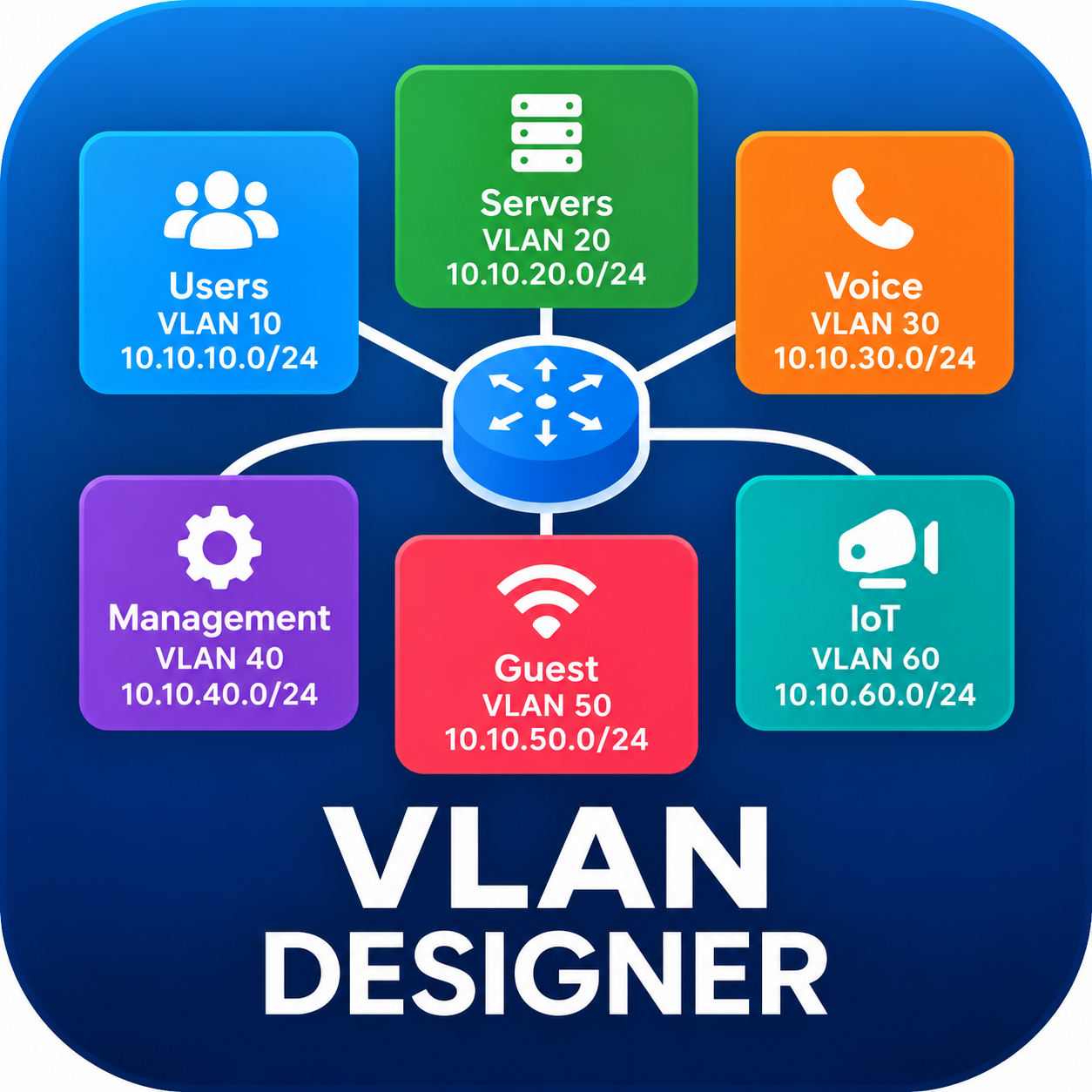
ToolNTip VLAN Designer helps you plan a logical VLAN and IP addressing structure based on the requirements of your network. You do not need to know the VLAN ID, subnet size, gateway or DHCP range before you start. Simply tell us what types of network segments you need and approximately how many users, devices or IP addresses each segment requires. ToolNTip will calculate and recommend an initial VLAN design that you can review, modify and validate before deployment.

1 DESCRIBE
2 SIZE
3 DESIGN
4 REVIEW
5 EXPORT

What do I need before I start?

You only need a basic understanding of your environment:

  • Approximate number of users/devices
  • Departments or network segments
  • Existing IP address range, if available
  • Whether DHCP is used, if known

You do NOT need to calculate VLAN IDs, CIDRs, subnet sizes, gateway addresses, or DHCP ranges. ToolNTip recommends these for you.

Already have an existing network?

No problem. You can provide your existing network context (e.g., 10.84.0.0/16) and ToolNTip can use it as the addressing context and suggest an improved VLAN structure without altering your production environment automatically.

Processed locally in your browser
Important Note: VLAN design is a planning aid. Review routing, firewall rules, switch configuration, access controls and other security requirements before deploying changes to a production network.
Step 1 of 5: Network Profile

Tell Us About Your Network

Provide high-level context about your organization or project to tailor the architectural recommendations.

Used only in the generated report and processed locally in your browser.

VLAN Architecture Dashboard

Generated successfully from your network requirements.

VLAN Address Space Allocation & Capacity Ratio

Visual proportion of assigned subnet block sizes across your architecture.

VLAN ID VLAN Name Type / Zone Requirement Subnet / CIDR Usable Capacity Gateway DHCP Range Actions
Directly edit parameters or add custom subnets to your generated architecture.
TEST LEADERBOARD AD
970 × 90 — Before Tool Grid

About This Application

Design a structured VLAN and IP addressing plan from your network requirements. Define network segments, estimate capacity, configure gateways and DHCP scopes, validate the design, and export the finished architecture.

Key Capabilities

  • VLAN Planning
  • IP Address Planning
  • Subnet Planning
  • DHCP Planning
  • Gateway Planning
  • Network Segmentation
  • Capacity Planning
  • Design Validation
  • Configuration Export
  • PDF Reporting

Application FAQ

What is VLAN Designer?
VLAN Designer is a browser-based network planning application that helps you create a structured VLAN and IP addressing design from your network requirements. It can help plan VLANs, subnets, gateways, DHCP scopes, capacity, and network segmentation.
Do I need to know my VLAN IDs and subnet sizes before using it?
No. You can start with the types of network segments you require and their approximate capacity requirements. VLAN Designer can help generate an initial structure for you to review and refine.
Can I use my existing IP address range?
Yes. When using an existing address space, enter the IPv4 network prefix in CIDR notation, such as 10.20.0.0/16.
Can VLAN Designer automatically detect my current network CIDR?
No. Web browsers do not reliably expose the IPv4 network prefix configured on your network interface. Enter your existing CIDR manually when you want the design to use an existing address space.
Can I create custom VLANs?
Yes. In addition to predefined network segment types, VLAN Designer supports custom segments for requirements specific to your environment.
Does VLAN Designer calculate gateways and DHCP ranges?
Yes. The application supports gateway and DHCP planning as part of the generated VLAN architecture.
Can I modify the generated design?
Yes. The generated architecture can be reviewed and adjusted before you finalize the design.
Does it validate the VLAN design?
Yes. VLAN Designer includes validation to help identify invalid or conflicting configuration before implementation.
Can I export my VLAN design?
Yes. The application supports JSON and CSV exports, clipboard operations, and printable reporting that can also be used to produce a PDF.
Does VLAN Designer configure my network devices automatically?
No. VLAN Designer is a planning and documentation application. It does not connect to or automatically configure switches, routers, firewalls, DHCP servers, or other network equipment.
Is my network design processed locally?
The VLAN design calculations are performed in your browser. The application does not require your entered network-planning data to be sent to ToolNTip in order to calculate the VLAN design.
Is the generated design ready to deploy without review?
No. Treat the generated architecture as a planning aid. Review VLAN IDs, addressing, routing, DHCP, security policies, capacity, redundancy, and vendor-specific requirements before deploying it to a production network.

Similar Tools