
VLAN Designer – Plan VLANs, Subnets & IP Addressing | ToolNTip
Plan VLANs, subnets, gateways and DHCP scopes from your network requirements.
- VLAN Planning
- IP Address Planning
- Subnet Planning
Design VLAN architectures online. Plan subnets, gateways, DHCP scopes and network segments, validate the design, and export your VLAN plan.
A modern identity governance platform for managing users, access, approvals, lifecycle controls, and enterprise identity operations.
About This Tool
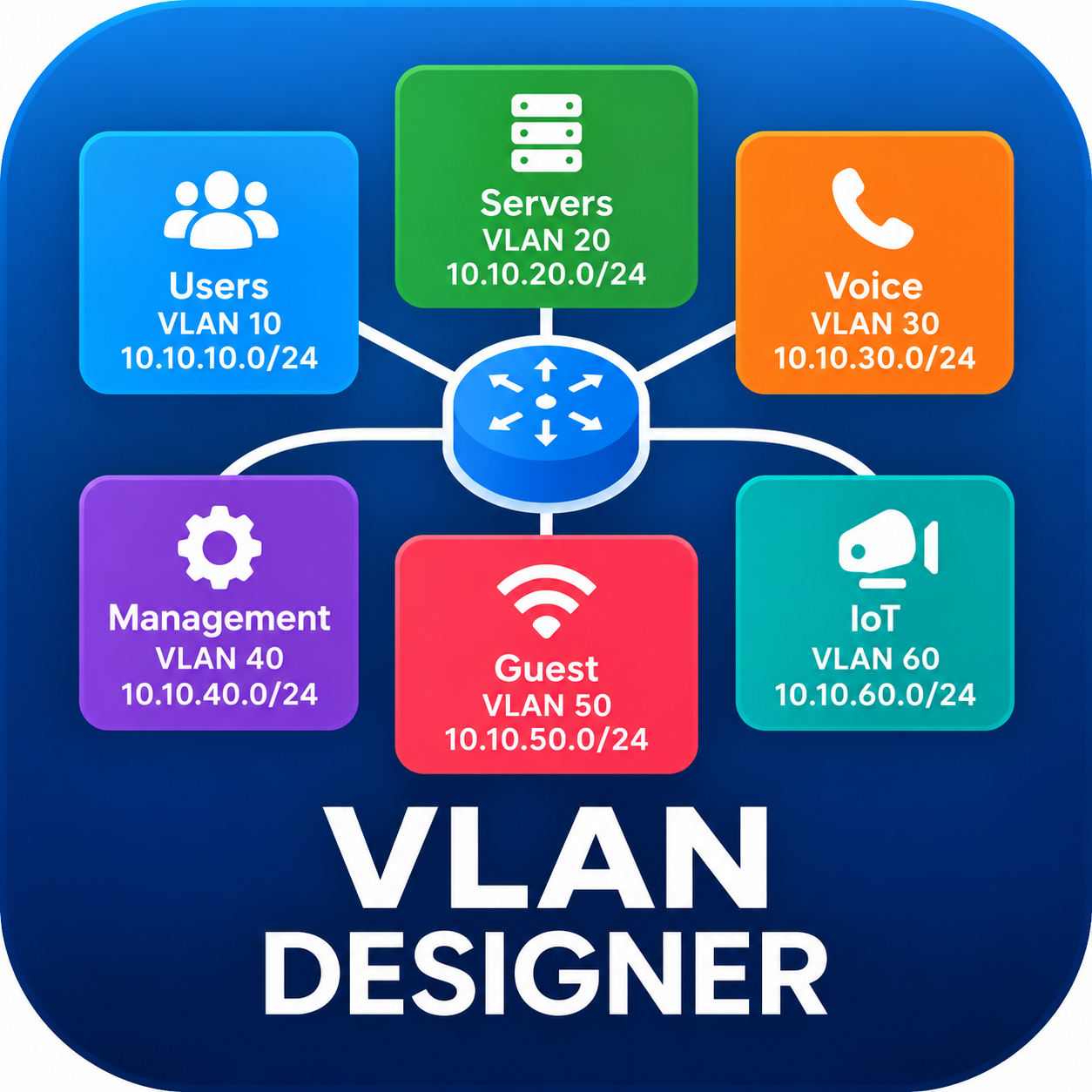
VLAN Designer is a browser-based network planning application for creating structured VLAN and IP addressing architectures from real network requirements.
Instead of requiring you to determine VLAN IDs, subnet sizes, gateways and DHCP ranges before you begin, VLAN Designer starts with the network segments you need and the approximate number of users, devices or addresses each segment must support.
The application helps transform those requirements into an initial VLAN architecture that you can review, modify and validate before deployment. It supports common enterprise segments such as users, servers, management, voice, wireless, guest networks, CCTV, IoT and other custom network zones.
Addressing can be planned using a recommended private address space or an existing network prefix. The resulting design provides VLAN and subnet information, gateways, DHCP ranges and capacity information while helping identify addressing or configuration problems before implementation.
Multiple views make the resulting architecture easier to review, while export and reporting options allow the design to be carried into documentation, implementation planning and technical discussions.
Capabilities:
Requirement-driven VLAN planning — Build the initial architecture from network segments and capacity requirements.
IP subnet allocation — Calculate suitable network ranges for individual VLANs.
Existing or recommended addressing — Design around an existing CIDR prefix or start with recommended private addressing.
Gateway and DHCP planning — Define gateway addresses and DHCP allocation for applicable segments.
Custom network segments — Add specialized VLANs beyond the predefined enterprise segment types.
Capacity visibility — Review allocated address space and expected utilization before deployment.
Design validation — Identify invalid or conflicting configuration before implementation.
Multiple design views — Review the architecture through tables, cards, dashboard information and advanced configuration views.
Portable exports — Export configuration information as JSON or CSV and copy useful output to the clipboard.
Printable reporting — Generate a clean network-design report suitable for printing or PDF output.
Who is this for?
Network administrators, infrastructure engineers, system administrators, IT consultants, MSP teams, students and technical teams planning new networks or restructuring existing network segmentation.
Privacy / Processing statement:
Local browser processing: VLAN Designer performs its design calculations in your browser. Network-planning data entered into the application is not required to be sent to ToolNTip for the VLAN calculations themselves. Exported files and reports are generated from the active design in the browser.
That wording is intentionally narrower than saying nothing ever leaves the browser, because the surrounding ToolNTip website can still have ordinary web requests, analytics, advertising or other site services. We should make the privacy claim specifically about the application’s network-design processing.
Requirements:
A modern web browser with JavaScript enabled. For designs based on an existing network, know the IPv4 network prefix you want to allocate from, such as 10.20.0.0/16.
Limitations:
VLAN Designer is a planning and documentation aid. It does not connect to switches, routers, firewalls or DHCP servers and does not deploy configuration automatically. Generated addressing and VLAN recommendations should be reviewed against the requirements, security policies, routing design and platform limitations of the target network before implementation.
Existing-CIDR behavior:
The browser cannot reliably determine the IPv4 network prefix configured on your local network interface. When designing from an existing address space, enter the network prefix manually.
Key Features
- VLAN Planning
- IP Address Planning
- Subnet Planning
- DHCP Planning
- Gateway Planning
- Network Segmentation
- Capacity Planning
- Design Validation
- Configuration Export
- PDF Reporting
Pros & Cons
Pros
- Requirement-driven VLAN and subnet planning
- Supports predefined and custom network segments
- Recommended, existing, and hybrid IP addressing workflows
- Automatic subnet sizing based on capacity requirements
- Gateway and DHCP scope planning
- Built-in design validation
- Dashboard and address-allocation visualization
- Table, card, and advanced configuration views
- JSON and CSV export
- Clipboard copy and printable/PDF reporting
- Client-side network design calculations
- No software installation required
Cons
- Does not automatically discover your existing network configuration
- Existing network CIDR must be entered manually
- Does not configure switches, routers, firewalls, or DHCP servers
- Generated designs require technical review before deployment
- Does not replace vendor-specific configuration or network simulation tools
- Complex production networks may require additional routing, security, redundancy, and platform-specific planning
Community Reviews
Ratings and reviews from ToolNTip users.
Write a Review
You must be logged in to post a comment.