

Sublime Text Editer
A fast, powerful and extensible text editor for code and prose
- Multiple Selections
- Powerful Search and Replace
- Command Palette
A modern identity governance platform for managing users, access, approvals, lifecycle controls, and enterprise identity operations.
About This Tool
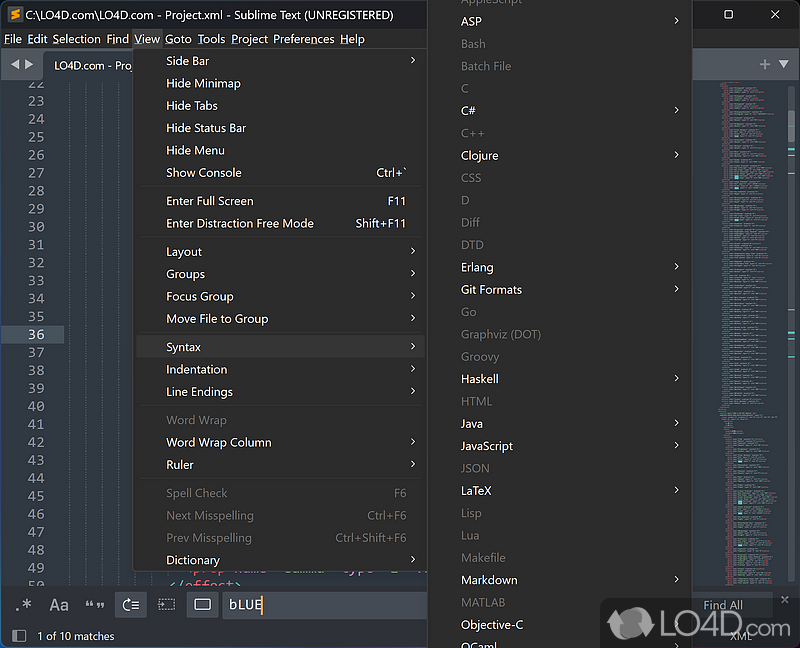
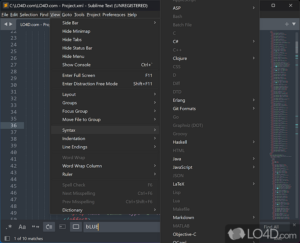
Sublime Text is a sophisticated text editor designed for code, markup, and prose. It provides powerful editing features, multiple selections, syntax highlighting, projects, build systems, Git integration, packages, and extensive customization options.
Key Features
- Multiple Selections
- Powerful Search and Replace
- Command Palette
- Go to Anything
- Syntax Highlighting
- Git Integration
- Package Ecosystem
- Build Systems
- Project Management
- Code Completions
- Command Line Interface
- Customizable Interface
- Distraction Free Mode
- Column Selection,Extensible API
Pros & Cons
Pros
- Very Fast Performance
- Powerful Text Editing
- Multiple Selection Support
- Extensive Package Ecosystem
- Highly Customizable
- Strong Keyboard Workflow
- Cross-Platform
Cons
- Paid License
- Some Advanced Features Require Packages
- Smaller Ecosystem Than VS Code
- Less Integrated Development Tooling Than Full IDEs
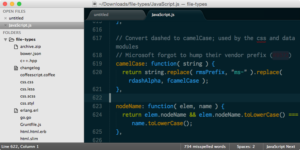
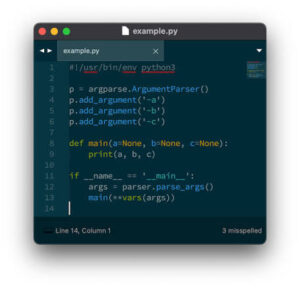
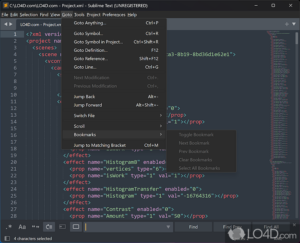
Screenshots
Community Reviews
Ratings and reviews from ToolNTip users.
Admin Review
Sublime Text remains a strong choice for developers and power users who value speed, focused editing, and a highly customizable workflow. Its multiple-selection editing, completions, projects, build systems, Git integration, command-line support, and extensive package ecosystem provide a capable environment without the heavier interface and tooling of a full IDE.
Its greatest strength is its flexibility: users can customize the editor through packages, themes, syntax definitions, build systems, and its plugin API. This makes Sublime Text particularly attractive to experienced users who prefer to build an efficient, keyboard-driven development environment around their own workflow.
The main consideration is that Sublime Text is best viewed as a powerful code and text editor rather than an all-in-one development environment. Users who want extensive built-in debugging, integrated development workflows, or a very large out-of-the-box feature set may prefer a more comprehensive IDE or another modern code editor.
**Toolntip Verdict:** Sublime Text is an excellent option for developers who prioritize performance, simplicity, and customization. It is especially well suited to experienced users who want a fast editor that can be extended to match their workflow.
Write a Review
You must be logged in to post a comment.